
Digital inventories of your assets
Capture and manage your inventory conveniently via software and mobile app.
Digital inventory management
INVENTIRE is the intelligent inventory software for convenient digital management of your inventory.
Capture, structure and manage your inventory centrally – in the office, in the home office, across multiple locations and mobile on site.

Inventory management
INVENTIRE combines digital stocktaking, flexible data structures and traceable processes in a single application.
Capture and manage your inventory conveniently via software and mobile app.
You decide how you want to organise your inventory management.
Have relocations, disposals or cost-centre changes, for example, confirmed by the responsible colleagues.
Plan inventories in sub-areas, set dates, assign responsibilities and monitor inventory progress.

In everyday work
From home-office workstations to maintenance deadlines: INVENTIRE keeps information together right where your team needs it.
Manage and capture home-office inventory conveniently in our software.
Automated reminders mean you never miss the end of a warranty period or an important maintenance date.
Assign documents directly to the respective assets.
Manage master data in INVENTIRE and achieve even better allocation.
Data & processes
Take over existing data, output results and quickly provide recurring evaluations.
Request demoImport Excel or CSV files into INVENTIRE and export data again as CSV or Excel.
Create your own reports, relocation records or lists as Excel or PDF. Information can also be exported directly into existing Excel sheets.
Filter and group inventories, inventory groups, classes, rooms, acquisition values or cost centres. Save recurring filters as favourites.
Simplify user management with support for Microsoft AD or Azure SSO.
Mobile capture
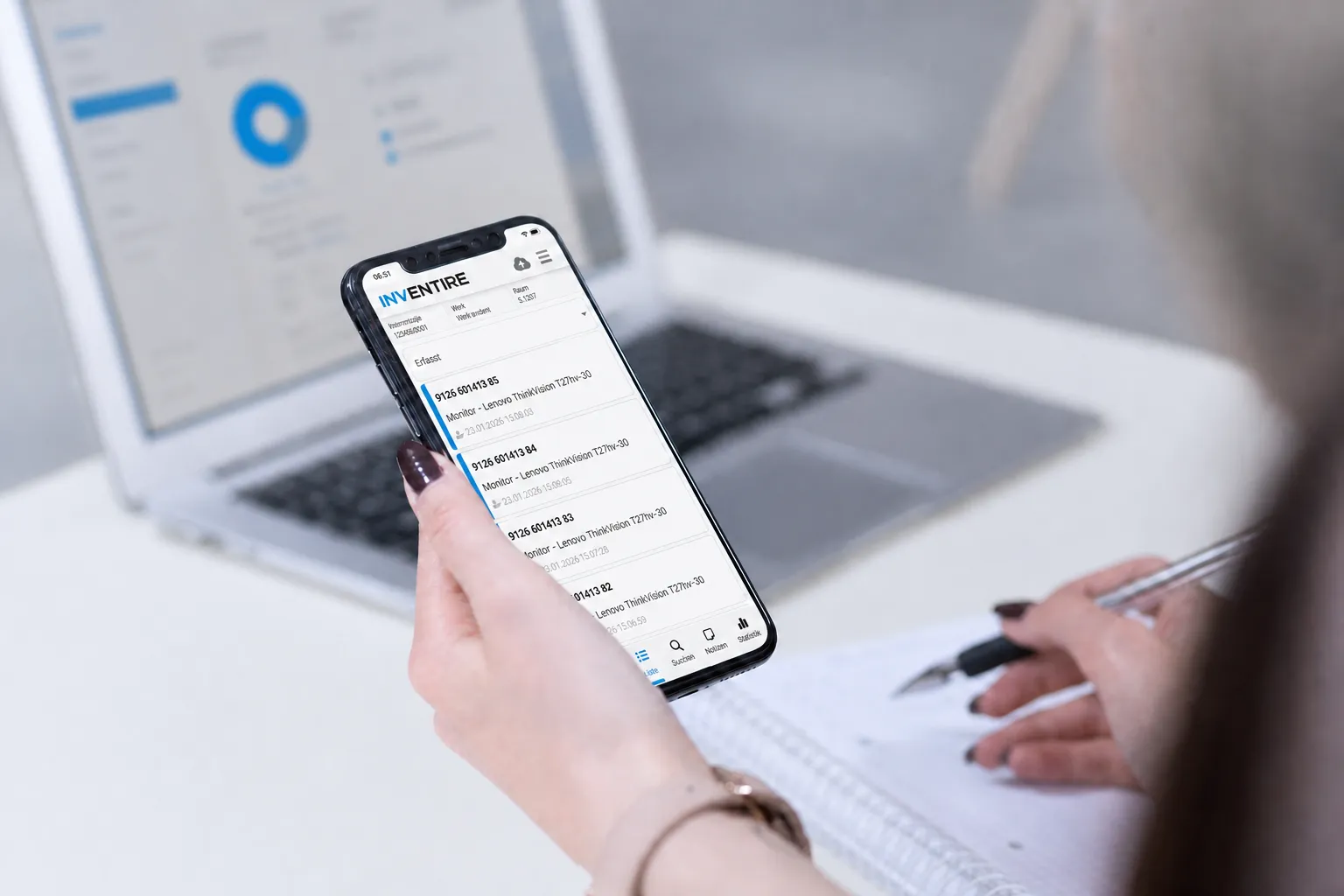
Fast and reliable with Android, iOS and iPadOS. Capture inventory with barcode, QR code or RFID. Alongside smartphones, industrial barcode scanners or RFID readers – for example from Zebra – can also be used.
Let us show you INVENTIRE in a personal, no-obligation web presentation.
Request a free demo nowCustom configuration
Hosting, labelling, user management and interfaces are set up to fit your organisation.
Getting started together
We support you in selecting, introducing and using your inventory management.
Sit back and let us present the complete solution with possible options for your requirements in a web meeting.
Together we analyse your individual requirements, outline solutions and configure the right solution based on proven best practices.
We train your administrators and users – on request also on site with practical exercises.
Our software grows with your requirements.
Benefit from our multilingual support with specialised technicians.
When is radio-based capture worthwhile? We advise you or assess feasibility together with you on site.
Request a demo
We are happy to send you more information, arrange a free web presentation or provide you with a demo version of the INVENTIRE inventory software.
Prefer to talk directly? info@inventire.com We will get back to you within one business day.
Answers to common questions about INVENTIRE, mobile capture and the configuration of your inventory management.
Inventory can be captured and managed centrally in the software and mobile via the app. Barcode, QR code and RFID are available for identification. Read more about practical support under inventory execution.
INVENTIRE supports custom fields and inventory classes. Inventory can be assigned to cost centres, rooms, locations, projects and employees, among others. Filters and groupings can be saved as favourites.
Yes. Excel and CSV files can be imported. Information can also be exported as an Excel or CSV file and reused in existing Excel sheets.
INVENTIRE supports more than 200 systems via common interfaces. For fixed asset accounting there is, among others, a dedicated interface for asset inventory.
Yes. Home-office inventory can be managed and captured conveniently. Central assignment to locations, rooms, projects and responsible persons creates transparency across multiple sites.
For inventory systems, INVENTIRE recommends cloud solutions. On request, however, the software can also be installed together with you on your own servers.